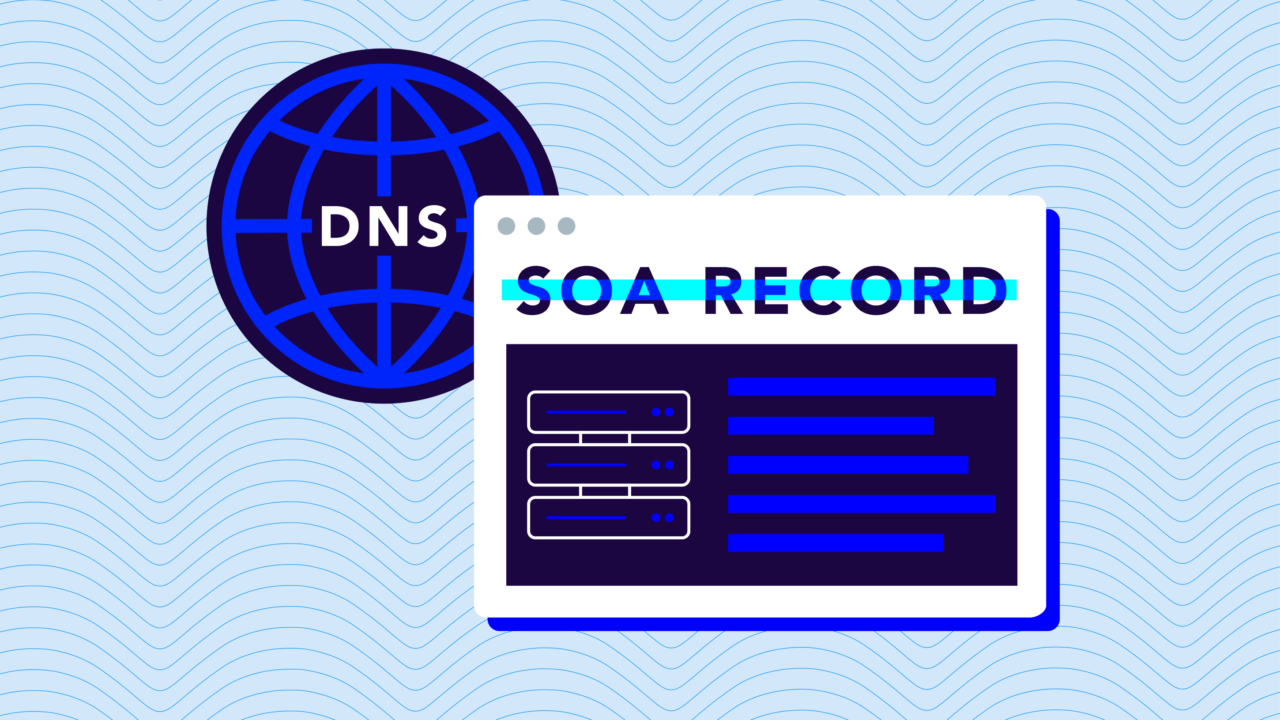
DNS SOA records play a lesser-known (but critical) part in how the internet organizes and connects its massive network of domains. In a nutshell, here’s how it all works:
- The DNS (Domain Name System) translates human-friendly domain names into IP addresses that computers use to communicate.
- The SOA (Start of Authority) record is a domain’s authoritative source of information, allowing for DNS zone management and maintenance.
While that might all sound confusing right now, we’ll help break down everything you need to know about DNS SOA records (and how to configure them) in this post.
What is a DNS record?
Before we get into SOA records, let’s start at a higher level with DNS records. These are like entries in a directory. Each record serves as a set of instructions that guides how the DNS translates domain names into IP addresses, and IP addresses are unique identifiers for devices on the internet.
There are several types of DNS records, each serving a specific purpose:
- A Records (Address Records): The most basic type of DNS record—it links a domain name to its corresponding IP address.
- CNAME Records (Canonical Name Records): These are used to alias one name to another. For instance, linking a subdomain to the primary domain.
- MX Records (Mail Exchange Records): These records direct email to a mail server, specifying how email should be routed with the SMTP protocol.
- TXT Records (Text Records): Often used for providing necessary information to outside sources, TXT records hold text information for sources outside of your domain. A common use is for email spam prevention with SPF records.
- NS Records (Name Server Records): These records indicate which Name Server is authoritative for the domain. They help in directing traffic to the correct server.
- SRV Records (Service Records): These define the location of servers for specific services, like VOIP or instant messaging.
Each DNS record type plays a special role in defining how information should be transmitted and received online. They collectively ensure that digital communications remain accurate, efficient, and secure.
What is a DNS SOA record?
The SOA record acts as the cornerstone of a domain’s DNS zone file. Its name (Start of Authority) says it all—it contains essential information about the domain’s DNS zone and its primary administrator.
A SOA record comprises several components:
- Primary Name Server: This specifies the primary master DNS server for the zone. This server holds the definitive and authoritative copy of the zone’s data—it’s where all changes to the domain’s DNS records are initially made before being propagated to other DNS servers.
- Responsible Party: Often in the format of an email address (but with a ‘.’ instead of ‘@’), this field identifies the administrator responsible for the DNS zone.
- Serial Number: This is the current SOA record’s timestamp or version number. Every time the DNS zone file is updated, this number should be incremented. It signals secondary DNS servers to update their DNS records if they have an older version.
- Refresh Rate: This value tells secondary DNS servers how often they should check for updates to the DNS zone file. It determines how quickly changes to the DNS zone propagate throughout the Internet.
- Retry Rate: If a secondary DNS server can’t reach the primary server during a refresh, this value dictates how long it should wait before trying again. It ensures efficient and persistent attempts at updates.
- Expiry Time: This is the time limit for how long a secondary DNS server should wait before considering its copy of the DNS data stale if it can’t reach the primary DNS server. It’s a fail-safe to prevent outdated data from persisting.
- Minimum TTL (Time to Live): The Minimum TTL is the minimum amount of time other DNS servers should cache the DNS zone’s information. It affects how long a record is kept in DNS caches, impacting how quickly changes to DNS records are seen by users across the internet.
Role and importance of SOA records in DNS
Your SOA record is the master blueprint for your domain’s DNS zone. It provides a structured framework for how updates and changes are managed and propagated across the network of DNS servers.
It clearly delineates authority and responsibility for the domain’s DNS records, which might not seem like a big deal at first, but it becomes increasingly important in environments where multiple administrators or automated systems might interact with the DNS zone.
The serial number component of the SOA record ensures version control and consistency across all copies of the DNS zone data. When a change is made to the DNS zone file, the incremented serial number signals secondary servers to update their records (thereby synchronizing the DNS data across the internet).
The health of your DNS zone is intrinsically linked to the accuracy and reliability of your SOA record. The refresh, retry, and expiry intervals defined in the SOA record govern how and when secondary servers check and apply updates—and that’s critical to maintaining the DNS zone’s stability and responsiveness.
The minimum TTL value in the SOA record influences the caching behavior of DNS records. It balances between reducing DNS query loads and ensuring timely updates to DNS information across the network. A well-configured SOA record contributes significantly to the following:
- Reducing DNS-related errors
- Improving the speed of domain resolution
- Enhancing the overall user experience
How to configure and manage SOA records
You’ll need to properly set up and maintain your SEO records for efficient domain operations and minimal DNS issues. Here’s a step-by-step guide to make it happen:
- Access Your DNS Management Interface: Log into your domain registrar or DNS hosting provider where your domain’s DNS zone is managed.
- Locate the DNS Zone File: Navigate to the section where you can view and edit your DNS zone file.
- Create or Edit the SOA Record: Look for the option to add or edit the SOA record. This is typically at the top of your DNS zone file.
- Configure SOA Record Components:
- Primary Name Server: Enter your primary DNS server’s fully qualified domain name (FQDN).
- Responsible Party: Specify the email address (with a ‘.’ instead of ‘@’) of the person or entity responsible for the DNS zone.
- Serial Number: Start with a date-based format (like YYYYMMDD01) for easy tracking.
- Refresh, Retry, and Expiry Rates: Set these values based on your specific needs and the frequency of changes to your DNS records. Consult with your DNS provider for recommended values.
- Minimum TTL: Set an appropriate time based on how often you anticipate changing your DNS records.
- Save Changes: Once all components are correctly filled, save the changes to update your DNS zone file.
Common issues and troubleshooting tips
While updating your DNS SOA record is relatively straightforward, you’ll want to watch out for these common issues:
- Propagation Delays: Changes to SOA records can take time to propagate across the internet. If updates don’t take effect, check the TTL settings and wait for the propagation period to elapse.
- Incorrect Serial Number Updates: Failing to update the serial number after changes can prevent propagation. Ensure the serial number is always incremented after any modification.
- Configuration Errors: Double-check all components of the SOA record for typos or incorrect settings, especially the primary name server and the responsible party’s contact information.
Protect your organization with an automated DMARC solution
Maintaining your DNS SOA record is a must-have part of managing DNS and your online presence. However, the integrity and security of your domain extends beyond DNS records—especially in light of other digital threats to your brand.
And that’s where we can help. Valimail provides an automated DMARC solution to provide comprehensive protection against email spoofing, phishing attacks, and other malicious activities that can compromise your domain’s integrity and your organization’s reputation.
- Enhanced Email Security: Valimail’s DMARC solution adds an extra layer of security to ensure that only authenticated emails reach your recipients.
- Improved Email Deliverability: Valimail helps you maintain a high sender reputation by ensuring your important communications reach their intended inboxes, not the spam folder.
- Easy and Efficient Management: Our automated solution removes the complexity of DMARC implementation and management. It provides a user-friendly interface and expert guidance, making DMARC compliance straightforward and hassle-free.
- Insightful Reporting and Analytics: Valimail offers detailed insights into your email ecosystem, allowing you to monitor and analyze email traffic for better decision-making.
See for yourself. Sign up for our free world-class monitoring platform or schedule a demo to see how Valimail can protect your domain from spoofing and phishing attacks.