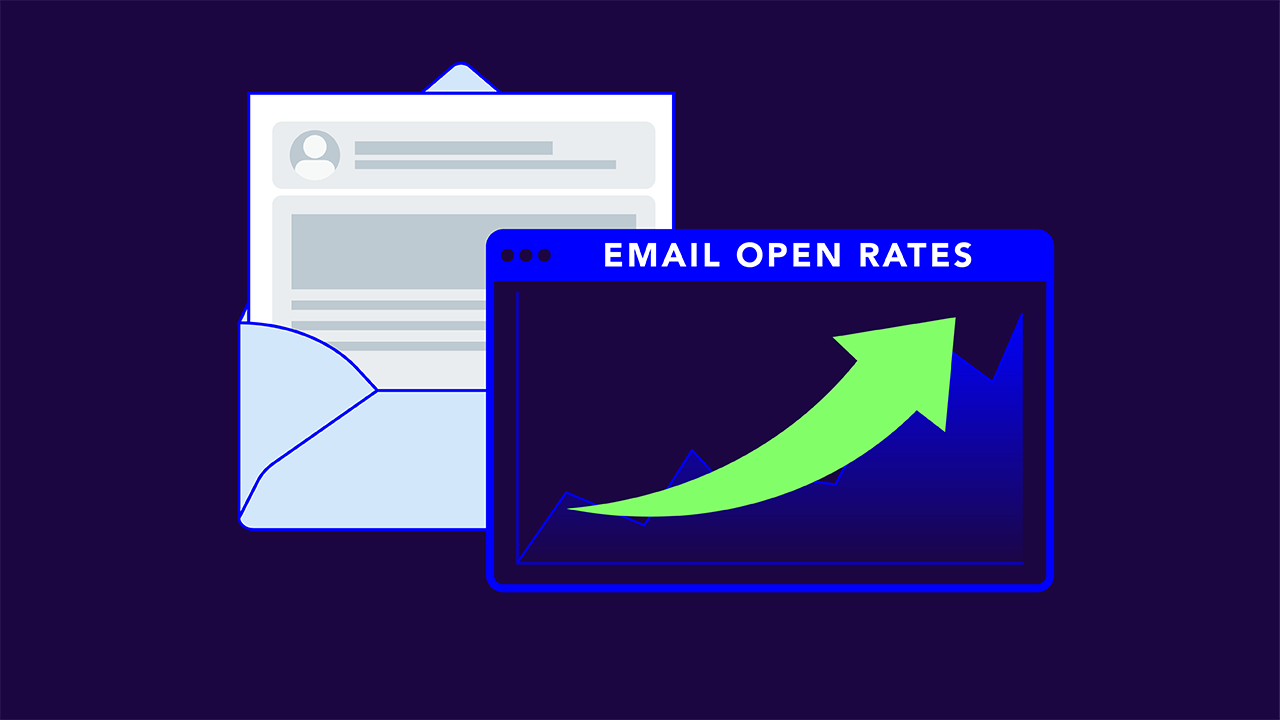
TLDR: Published average email open rates range from about 20% to 43%. Apple’s privacy feature registers an “open” for messages that nobody ever read, so most reported rates run high. Real opens depend on two things that happen before your subject line is read: (1) whether the email reaches the inbox, and (2) whether the recipient recognizes who it’s from.
What’s a good email open rate? Well, ask any email service provider (ESP), and you’re bound to get a different answer. Mailchimp says one thing, MailerLite says another, and Klaviyo something else entirely.
They’re not wrong, though. They’re just counting differently, for different senders, and different email types, with a measurement problem included in all of them.
So, yes, benchmarks are important (and we’ll get into those), but it’s more important to know what the number actually means. Once you know that, you can also understand why yours might look better (or worse) than it is. And with all that know-how together, you can start pulling the levers that influence your real readers and open rates.
What’s a good email open rate in 2026?
Here’s what most major email platforms say:
| Source | Reported open rate | What to know |
| MailerLite | 43.46% (median) | Large small-business sender base |
| Mailchimp | 35.63% (average) | All-user benchmark across industries |
| Klaviyo | 31% (average) | Skews ecommerce and DTC brands |
| Brevo | 20.73% standard / 33.87% with Apple MPP | Splits the number to show the inflation |
Now, those Brevo numbers are starting to show the discrepancy with these benchmarks. Same senders, same emails, and the open rate jumps by about 13 points depending on whether Apple’s privacy opens are counted.
Here’s a good rule of thumb: Most marketing emails should be around 30-40% open rates, and anything below 20% should be cause for investigation. But before you compare yourself to the average and benchmarks, check yourself against your own history and industry. B2B senders, ecommerce brands, and nonprofits all land in different places for reasons that have nothing to do with how good their emails are.
Why your open rate is probably inflated
In 2021, Apple launched Mail Privacy Protection (MPP) for its Mail app. It routes message content through Apple’s servers and preloads images, including the invisible tracking pixel email platforms use to count opens.
That means when an Apple Mail user receives your email, it often registers as opened whether or not a person ever looked at it.
Apple’s mail clients now account for roughly half or more of tracked opens, depending on whose data you read. That’s a lot of automatic “opens,” and this is what you’ll see because of it:
- Reported open rates run higher than human engagement
- Subject line A/B tests based on opens get noisy
- “Engaged” segments built on opens include people who never read anything
- Comparing your rate to someone else’s may mean comparing MPP-inclusive data to MPP-exclusive data
None of this makes open rate useless. You should still use it to spot trends in your own program and catch sudden drops. It just shouldn’t be the only number you trust, and it shouldn’t be the number you use to declare a subject line the winner.
What to do with this: Check whether your ESP can separate or exclude Apple MPP opens. Many now can. That cleaned-up figure is a far better baseline than the headline number.
How to calculate your email open rate
The standard email open rate formula: Open rate = (Unique opens ÷ Emails delivered) × 100
A couple of details affect that number.
- Use delivered (not sent). Bounced emails never had a chance to be opened. If you sent 10,000 and 400 bounced, your denominator is 9,600.
- Use unique opens (not total opens). One subscriber opening your email five times is still one open. Most ESPs report unique opens by default, but double-check to make sure.
So, let’s say you have 3,200 unique opens on 9,600 delivered emails. That’d give you a 33.3% open rate.
33.3% = (3,200 / 9,600) x 100
Your open rate isn’t just impacted by your subject line
Most open-rate advice starts with subject lines. Yes, that’s important, as well as the preheader text, but it’s not where you should start. Other steps happen before your subject line even shows up in the inbox, and if they fail, your subject line never gets a chance.
1. Inbox placement
Your open rate is calculated on emails delivered. But delivered and in-the-inbox aren’t the same thing. An email that lands in spam still counts as delivered in most ESP dashboards, and it almost certainly won’t get opened.
Mailbox providers decide inbox placement largely on sender reputation and authentication. Gmail, Yahoo, and Microsoft all check whether your email can prove it came from your domain using SPF, DKIM, and DMARC. Emails that fail those checks get filtered more aggressively, which drags down every metric downstream.
If your open rate dropped suddenly but nothing about your content changed, start here. Check your domain to see your current authentication status.
2. Sender recognition
Once your email lands in the inbox, your recipients need to act on it. They’re making a split-second decision here, and if you can’t make your identity blatantly obvious, they’ll move on. Here’s what helps with sender recognition:
- Your From name. Consistent, recognizable, and the same every time. A brand name people know beats a rotating cast of first names.
- Your sending address. Stable addresses build familiarity. Changing them constantly works against you.
- Your logo. With BIMI (Brand Indicators for Message Identification), your verified logo appears next to your messages in Gmail, Yahoo, Apple Mail, and other supporting inboxes, instead of a gray circle with an initial.

BIMI is the one most marketers haven’t tried yet. It’s a visual trust cue at the exact moment someone decides whether to open, and senders who deploy it generally report better open rates. It also makes impostors easier to spot—when your real emails carry a verified logo, a fake one without it stands out.
However, you’ll need DMARC at enforcement before you can implement BIMI, plus a verified mark certificate in most major inboxes. Valimail Amplify handles the certificate process and logo setup once you’re there.
6 ways to improve your email open rates
Okay, now that we’ve got your emails landing in the inbox, it’s time to start pulling the other levers:
- Specific subject lines. Clear beats clever. “Your March invoice is ready” outperforms “You won’t believe this” with almost every audience.
- Preheader text that adds to the subject line. It’s prime real estate in the inbox. Don’t let it default to “View this email in your browser.”
- Smart segmentation. Smaller, more relevant sends get opened more than a batch-and-blast message to everyone.
- Data-backed send timing. Ignore studies and reports on other people’s audiences. Test against your own.
- List hygiene. Remove subscribers who haven’t engaged in six months or more. A smaller, engaged list improves open rate and sender reputation at the same time.
- Consistent cadence. People open emails they expect. Erratic schedules make your messages easier to ignore.
Other metrics to track with your open rate
Your email open rate is important, but it’s not the end-all-be-all metric. It’s better used in relation to a few other numbers:
| Metric | Why it matters | How reliable is it? |
| Click rate | Requires a real person to take action | High |
| Click-to-open rate | Shows how well content performs for people who opened | Medium (inherits some MPP noise) |
| Conversions and revenue per email | The outcome your emails exist to drive | High |
| Spam complaint rate | Early warning for reputation damage | High |
| Inbox placement | Whether email reaches the inbox at all | High, with seed testing |
Ultimately, if your open rate looks fantastic but your clicks are flat, believe the clicks.
Start with the opens you can’t see
Most teams chasing a better open rate start with subject lines. The bigger gains usually come earlier in the chain by making sure email reaches the inbox in the first place (and making sure people recognize who it’s from).
Valimail Monitor is free and shows every service sending email as your domain, along with whether it’s passing authentication. It’s a quick way to find the deliverability problems hiding behind a disappointing open rate.
Frequently asked questions
Is a 25% email open rate good?
It depends on your industry and how your platform counts opens. Against benchmarks that include Apple Mail Privacy Protection opens, which commonly land between 30% and 43%, 25% is below average. Against benchmarks that exclude those automatic opens, which run closer to 20%, it’s solid. Compare against your own history and your industry before drawing conclusions.
Is 35% a good email open rate?
Yes, for most marketing emails. It sits close to Mailchimp’s published all-user average of 35.63%. Keep in mind that Apple Mail Privacy Protection inflates most reported rates, so pair open rate with click rate to confirm people are engaging with your content.
How do you calculate email open rate?
Divide unique opens by emails delivered, then multiply by 100. Use delivered rather than sent, so bounced emails don’t drag the number down, and use unique opens so repeat opens by the same person count only once.
Does BIMI increase email open rates?
BIMI displays your verified logo beside your emails in supporting inboxes, which helps recipients recognize your brand before opening. Senders who deploy it generally report improved open rates. BIMI requires DMARC at enforcement and, in most major inboxes, a verified mark certificate.