TLDR: Most email programs see unsubscribe rates around 0.2% per campaign, and anything under 0.5% is generally healthy. Rates have climbed since Gmail and Yahoo required one-click unsubscribe, which made leaving easier. An unsubscribe costs you one contact, but a spam complaint damages delivery for your whole list. Lower your rate by fixing frequency and relevance.
Unsubscribe rates have always been a misunderstood email metric. Whenever it goes up, marketers assume there’s a problem. Whenever it goes down, they assume they’ve done something right.
Well, it turns out that things aren’t so black and white with email unsubscribe rates. You can learn a lot from your own, and a few minor tweaks could put your email program in an even healthier position.
Spam reports, though—those are bad. You don’t want customers marking your emails as spam.
Below, we break down everything you need to know about unsubscribe rates, including benchmarks and tactics to keep your subscribers happy.
What’s a normal unsubscribe rate?
Published benchmarks cluster below half a percent:
| Source | Unsubscribe rate | What to know |
| MailerLite (2025) | 0.22% (average) | Up from 0.08% in 2024 |
| Mailchimp | 0.15% (business and finance) | Industry rates last updated December 2023 |
| Mailchimp | 0.18% (education, nonprofits) | Same dataset |
| Mailchimp | 0.19% (ecommerce) | Same dataset |
| DTC ecommerce benchmark (2026) | 0.40% (median) | 20 brands on Klaviyo, promotional-heavy sending |
Quick unsubscribe rate check:
- Under 0.2%: strong
- 0.2% to 0.5%: normal for most programs
- 0.5% to 1%: worth investigating
- Over 1%: something’s wrong with frequency, relevance, or how people joined your list
Promotional senders, especially ecommerce brands sending several times a week, will run higher than a monthly B2B newsletter. Benchmark against your own campaigns of the same type before comparing yourself to anyone else.
Why unsubscribe rates have been going up
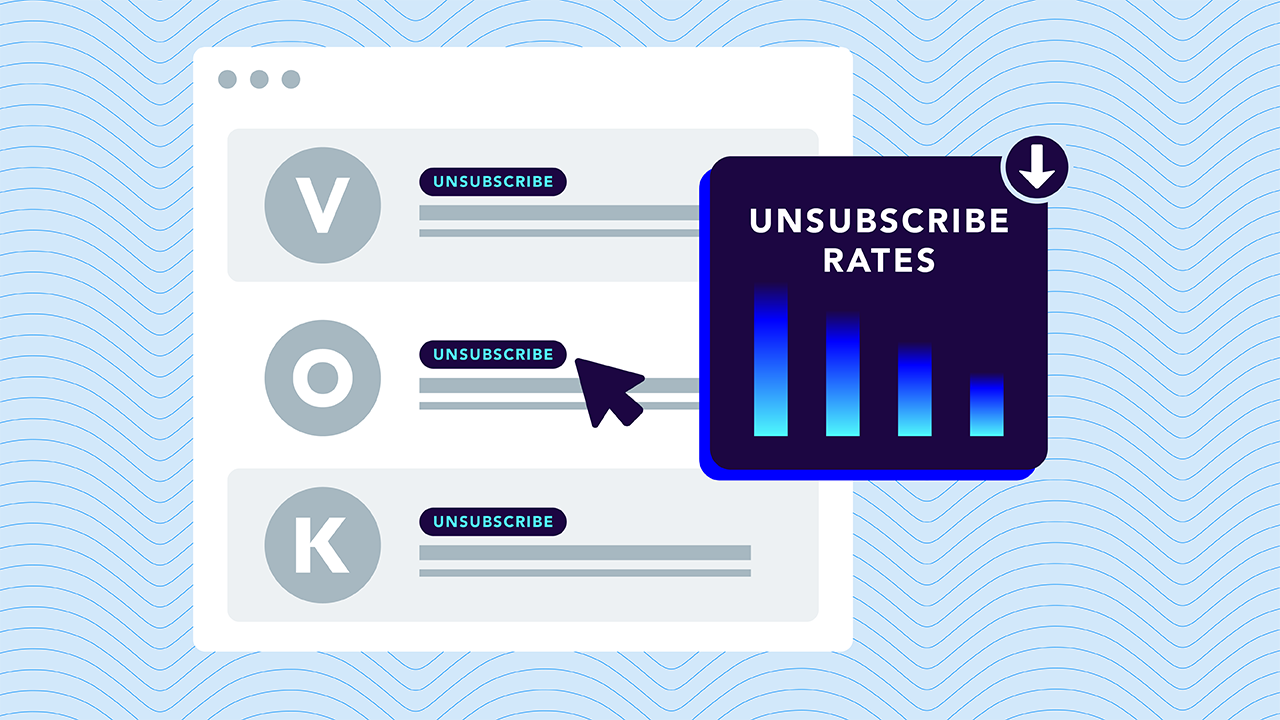
You’re not the only one seeing higher unsubscribe rates. MailerLite’s data shows the average more than doubling in a single year, from 0.08% to 0.22%, and that’s not a fluke. While there could be plenty of factors contributing to this, we believe the likeliest explanation is the introduction of Google and Yahoo’s sender requirements in 2024.

This enforcement required bulk senders to support one-click unsubscribe, which puts an unsubscribe option right at the top of the email in supporting inboxes. Microsoft followed in 2025. Subscribers who used to scroll past a tiny footer link, or ignore the email entirely, now have an obvious button.
Let’s be clear about this. Unsubscribe rates didn’t go up because emails got twice as worse between 2024 and 2025. No, it’s more likely that people wanted to unsubscribe before, but trying to find the teeny-tiny unsubscribe link in the footer (or knowing it was a four-step process) deterred people from going through the process.
So, instead of unsubscribing, they just (a) suffered emails in their inbox they didn’t want or (b) marked the email as spam. Now, they have an easy-to-click link right there in the header. That means a higher unsubscribe rate on your dashboard, but it also means a healthier, more engaged email list.
What to do with this: If your rate rose in step with that change and your complaint rate stayed low, you’re probably fine. If your rate keeps climbing month over month, that’s a content or frequency problem worth chasing.
How to calculate unsubscribe rate
The unsubscribe rate formula:
Unsubscribe rate = (Unsubscribes ÷ Emails delivered) × 100
If a campaign reaches 12,500 inboxes and 30 people unsubscribe, your rate is 0.24%.
Remember, keep these numbers consistent to accurately measure month-over-month performance:
- Use delivered, not sent. Bounced emails can’t produce an unsubscribe, so don’t worry about them.
- Measure per campaign, then look at the trend. A single campaign spike tells you about that email. A rising trend across campaigns tells you about your program.
Unsubscribes aren’t the enemy
Unsubscribes are like a polite farewell from your customer. They either aren’t enjoying the content anymore, want to reduce their email frequency, or are just parting ways. Consider them unsubscribing like a handshake, a nod, and a goodbye.
Spam complaints, though, are a kick in the shin. They block your emails and tell inbox service providers that your messages aren’t wanted. This impacts your email deliverability to all your recipients (not just the one who marked the message as spam). And when your spam complaint rate gets too high, inboxes will stop delivering your emails.
| Unsubscribe | Spam complaint | |
| What it costs you | One contact | Reputation for your entire domain |
| Effect on deliverability | Neutral to positive | Negative, and it accumulates |
| Threshold to watch | Under 0.5% is normal | Google wants under 0.1%, never 0.3% |
| What it signals | “Not for me anymore” | “I don’t trust this, or I can’t find the exit” |
Look at the thresholds side by side. A 0.4% unsubscribe rate is ordinary. A 0.4% spam complaint rate puts you past Google’s limit for bulk senders, where inbox placement for all of your mail starts to suffer.
That’s why tactics that make unsubscribing harder tend to backfire. Burying the link, requiring a login, or asking people to confirm three times doesn’t keep them on your list. It sends them to the spam button, and that costs far more.
Why people unsubscribe
It’s not always clear why people unsubscribe, and while it’d be nice to gather that information on their way out, it might be another step in the process that inclines them to hit the spam button instead. Here are a few reasons people tend to unsubscribe:
- Too many emails. Frequency is the most commonly cited reason people leave.
- Not what they signed up for. Someone joined for a discount code and started getting daily newsletters.
- No longer relevant. They bought the thing, changed jobs, or moved on.
- They don’t remember signing up. Common with purchased lists, co-registration, and old contacts.
- Too promotional. Every email is a sale, and nothing feels useful.
Most of these trace back to a mismatch between what someone expected when they joined and what they’re receiving now.
7 ways to bring your unsubscribe rate down
Ultimately, you want to keep more people happy and engaged on your email list. While unsubscribes might be better than spam complaints, you still want to keep your subscribers sticking around as long as possible. And here’s how to do it:
- Set expectations at signup. Tell people what they’ll get and how often. “Weekly product tips, one promo a month” sets up an expectation you can meet. Stick to it.
- Offer a preference center. Let subscribers choose topics or drop to a lower frequency instead of leaving entirely. Many people who click unsubscribe want less, not nothing.
- Cap frequency per subscriber. Coordinate across teams so one person doesn’t get four emails in a day from four different programs.
- Segment by interest and behavior. Someone who only clicks on product updates doesn’t need your event invitations. Stay honest with your email sends.
- Re-engage before you suppress. Send inactive subscribers a “still want to hear from us?” email. Keep the ones who respond, and remove the rest before they turn into complaints.
- Deliver on your welcome series. The first few emails set the tone. If they’re useful, people stick around.
- Clean your acquisition sources. If one signup source produces most of your unsubscribes, fix the source rather than the email.
Make the exit easy (and make sure it works)
One-click unsubscribe isn’t optional anymore. Gmail, Yahoo, and Microsoft all require it from bulk senders, and it’s implemented through two email headers defined in RFC 8058.
There’s a detail that trips up a lot of senders: the standard requires those unsubscribe headers to be covered by a valid DKIM signature. If DKIM isn’t configured correctly on a sending platform, the one-click option may not appear, and subscribers who can’t find an easy exit are the ones who report spam.
That makes unsubscribe handling an authentication issue as much as a marketing one. Every service sending on your behalf needs working DKIM, and most organizations have more sending services than they realize.
Keep the exit open and the list healthy
A low unsubscribe rate is a nice number to report, but a healthy list is better.
Valimail Monitor is free and shows every service sending email as your domain, along with whether each one is passing authentication. It’s a fast way to confirm the platforms behind your unsubscribe flow are configured correctly. Check your domain to see where you stand.
Frequently asked questions
What is a good unsubscribe rate?
Under 0.2% is strong, and 0.2% to 0.5% is normal for most email programs. MailerLite reports a 0.22% average, and Mailchimp’s industry benchmarks range from about 0.15% to 0.19%. Promotional-heavy senders often run higher. Anything consistently above 1% points to a frequency, relevance, or list quality problem.
What is the formula for unsubscribe rate?
Divide the number of unsubscribes by the number of emails delivered, then multiply by 100. For example, 30 unsubscribes from 12,500 delivered emails is a 0.24% unsubscribe rate. Use delivered rather than sent so bounces don’t skew the result.
Is a 1% unsubscribe rate bad?
It’s high for most programs. A single campaign hitting 1% may just mean that email missed, but a sustained 1% rate usually signals that you’re sending too often, sending content people didn’t sign up for, or mailing contacts who don’t remember joining your list.
Do unsubscribes hurt email deliverability?
Generally, no. Unsubscribes remove people who no longer want your email, which can help engagement and sender reputation over time. Spam complaints are what hurt deliverability. Making it easy to unsubscribe reduces complaints, which is why mailbox providers now require one-click unsubscribe from bulk senders.