DMARC is a non-negotiable part of any communications program. It’s what prevents phishers and bad actors from impersonating your brand and tarnishing your reputation.
Your business can’t afford to put it off until later. Fortunately, creating and publishing your own DMARC record isn’t rocket science—and tools like Valimail Enforce can even take care of all the nitty-gritty work for you.
Below, we’ll walk you through everything you need to know about DMARC to create and publish your records and keep them secure and up to date.
What is a DMARC record?
Domain-Based Message Authentication, Reporting, and Conformance (DMARC) is a technical standard that helps your business protect its domain from unauthorized use and email spoofing. It’s a record that tells email providers how to handle emails that fail SPF (Sender Policy Framework) and DKIM (DomainKeys Identified Mail) protocols.
Here’s how it works:
- Verify that the sender’s information is legitimate: A DMARC policy checks that the sender’s domain name that appears in the “From” address aligns with SPF and DKIM authentication results.
- Tell email receivers how to handle failed emails: Based on the DMARC policy, email servers can be directed to either (a) do nothing, (b) quarantine the messages, (c) or reject them outright.
- Provide detailed reports: DMARC sends you reports that detail who is sending emails on behalf of your domain—and that’s a good opportunity to flag anyone who shouldn’t be.
For a while, DMARC was a suggestion. Now, it’s downright necessary. Your business needs DMARC, and it doesn’t need just any ol’ standard—it needs DMARC enforcement.
DMARC without enforcement isn’t protecting your brand—it’s just monitoring it. And while that’s a great first step, it shouldn’t be the end goal. Your aim should be a quarantine or reject policy.
Here are the different DMARC policies and what they mean for your domain:
- p=none (None Policy): This policy allows all emails to be delivered, even if they fail DMARC checks. The focus here is on monitoring and collecting data without impacting the flow of messages. This helps you understand your email ecosystem better and prepare for more stringent policies.
- p=quarantine (Quarantine Policy): Emails that fail DMARC authentication aren’t rejected outright—instead, they’re sent to the recipient’s spam or junk folder. This helps mitigate the risk of fraudulent emails while still allowing you to receive feedback on email delivery issues.
- p=reject (Reject Policy): This is the strictest form of DMARC enforcement. It instructs receiving email servers to reject emails that fail DMARC checks outright. This policy is recommended for domains confident in their email authentication setups and wanting to block fraudulent activities completely.
Example DMARC record
DMARC records aren’t so intimidating once you know what you’re looking at. Let’s take a look at an example of a DMARC record and break down each of the components:
v=DMARC1; p=reject; rua=mailto:dmarc-reports@yourdomain.com; ruf=mailto:dmarc-forensics@yourdomain.com; fo=1; pct=100; adkim=r; aspf=r;
- v=DMARC1: This tag is mandatory and specifies the DMARC version. It tells the email receivers that this DNS TXT record is a DMARC record.
- p=reject: The policy applied to emails that fail DMARC checks. In this case, ‘reject’ is the strictest setting, indicating that emails failing alignment should be rejected.
- rua=mailto:dmarc-reports@yourdomain.com: This tag specifies the email address where aggregate reports of DMARC failures are sent. These reports summarize all the messages checked and how they’ve been handled based on your DMARC policy.
- ruf=mailto:dmarc-forensics@yourdomain.com: This is for forensic reports (detailed reports sent in real-time for each message that fails DMARC evaluation). These reports help you understand specific issues with message authentication.
- fo=1: Specifies the conditions under which forensic reports should be generated. ‘1’ means that reports are generated for all messages that fail DMARC evaluation.
- pct=100: This indicates the percentage of messages subject to the DMARC policy. Here, 100% means that all failing messages are subject to the policy defined in the DMARC record.
- adkim=r: Stands for ‘Alignment Mode for DKIM’ that specifies how strictly the DKIM records must align. ‘r’ means relaxed alignment, which allows partial matches.
- aspf=r: Similar to adkim, this stands for ‘Alignment Mode for SPF’ with ‘r’ also denoting relaxed alignment.
Do you need a DMARC record?
Yes. Yes, you do. Every business that uses email to communicate with customers, partners, or employees (probably every company) needs a DMARC policy as part of its holistic cybersecurity strategy.
Here’s why:
- Improved Email Deliverability: DMARC records improve the likelihood that your messages will reach the inbox rather than being marked as spam. We’ve seen businesses boost their email deliverability by as much as 10% after successfully reaching DMARC enforcement.
- Better Brand Reputation: It’s hard to come back from spoofing. DMARC keeps you and your customers safe, leading to a better brand reputation for the long haul.
- Fraud Prevention: Many cyberattacks and infiltrations start with email—protecting this channel prevents low-hanging fruit for phishers and attackers.
- Visibility and Control: DMARC provides you with reports on who is sending emails on behalf of your domain. This visibility lets you identify and authorize legitimate sources (while blocking unauthorized ones).
- Compliance: Many industries have regulations requiring businesses to protect sensitive data and privacy, and DMARC helps fulfill those obligations.
How to create and publish a DMARC record
Most folks are hesitant about touching their DNS records, and that makes sense—making a mistake in there can cause some expensive problems. However, adding email authentication isn’t as daunting as it sounds.
Here’s the step-by-step process to create and publish your DMARC record:
1. Double-check SPF and DKIM
Before setting up DMARC, double-check that you have published SPF and DKIM records for your domain. Without them, DMARC won’t work. Use our free Domain Checker tool to look and see.
2. Create your DMARC record
Once SPF and DKIM are set up, you can create your DMARC record. This record is a line of text (like we showed you before) that you’ll add to your domain’s DNS records.
Your DMARC record starts with basic tags that define the policy and the email addresses for sending reports. A simple DMARC record might look like this: v=DMARC1; p=none; rua=mailto:reports@yourdomain.com, where p=none sets the policy to monitoring mode, and rua defines where aggregate reports are sent.
3. Publish your DMARC record in the DNS
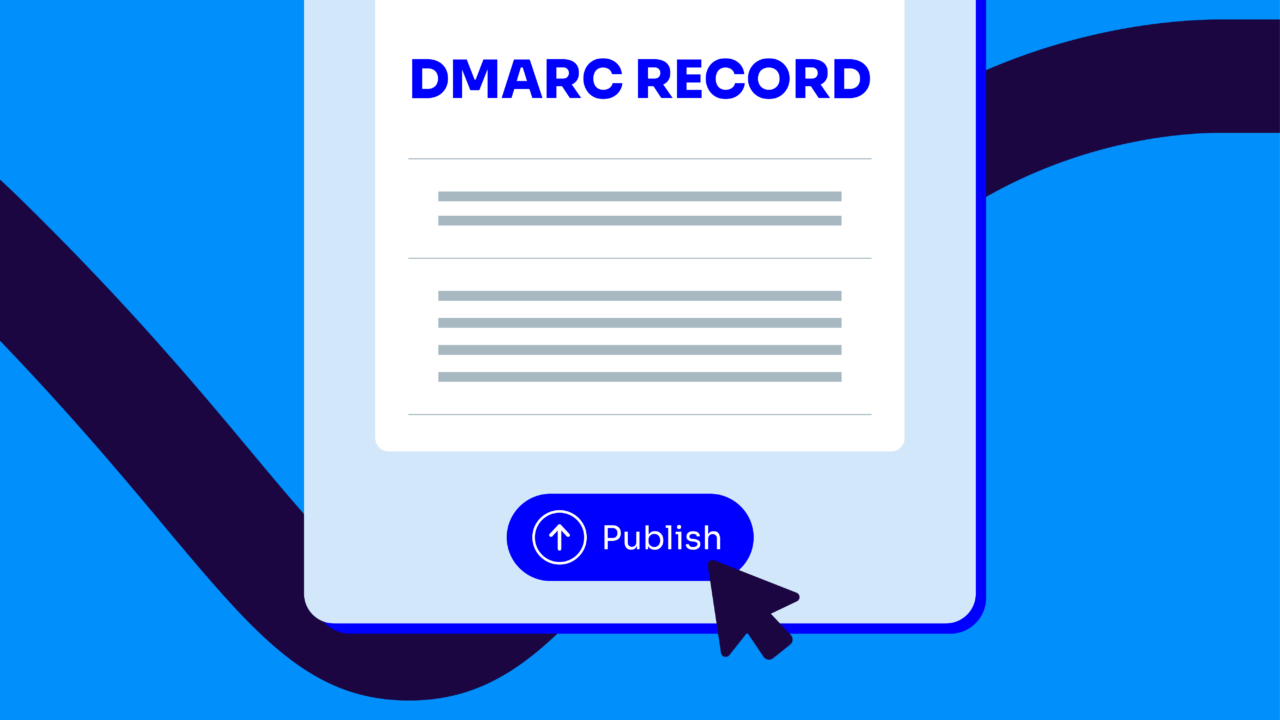
After creating your DMARC record, the next step is to publish it in your domain’s DNS. This is typically done where you manage your domain’s other DNS records (such as your hosting provider’s website or domain registrar).
Access your DNS management panel, navigate to add a new TXT record, and enter the name _dmarc.yourdomain.com. In the value section, paste your DMARC record.
4. Test and verify your DMARC record
Use an online DMARC record-checking tool to guarantee it’s correctly published. Just paste your domain into our DMARC Checker, and it’ll let you know. These tools simulate sending emails from your domain to test whether your DMARC record works and identify potential issues.
5. Update your DMARC policy as needed
Initially, you might set your DMARC policy to p=none to monitor and collect data without affecting email delivery. As you become more confident in your SPF and DKIM setups, you can move to stricter policies like p=quarantine or p=reject to actively block unauthorized emails.
Publish and maintain your DMARC record with Valimail
Securing your email domain with DMARC doesn’t just improve your cyber defenses—it safeguards your brand’s reputation and boosts your email deliverability, and those can be game-changers for everything from marketing campaigns to customer retention.
Not bad for implementing an email authentication protocol, right?
Fortunately, you don’t have to create and publish your DMARC record on your own. We’ve developed solutions to help.
Valimail Enforce removes all the complexities of manual SPF and DKIM setup to accelerate your path to DMARC enforcement. It automates your DMARC management to save time and money (better spent on running your business).
Here’s how Valimail Enforce helps your business:
- Accelerated DMARC Enforcement: Achieve up to a 10% boost in email deliverability once you reach full DMARC enforcement.
- One-Click Service Authorization: Instantly authorize legitimate email services with a single click to keep your communications secure.
- Non-Stop Protection: Keeps your email defenses up-to-date with automatic configurations and updates that evolve against new and emerging threats.
- Unlimited SPF Lookups: Eliminate the risk of SPF-related delivery issues and guarantee your legitimate emails always reach their intended recipients.
Ready to take the first step towards full-scale DMARC enforcement? Sign up for Valimail Monitor today for free domain visibility (yes, free), or schedule a demo with one of our DMARC experts to see Valimail Enforce in action.