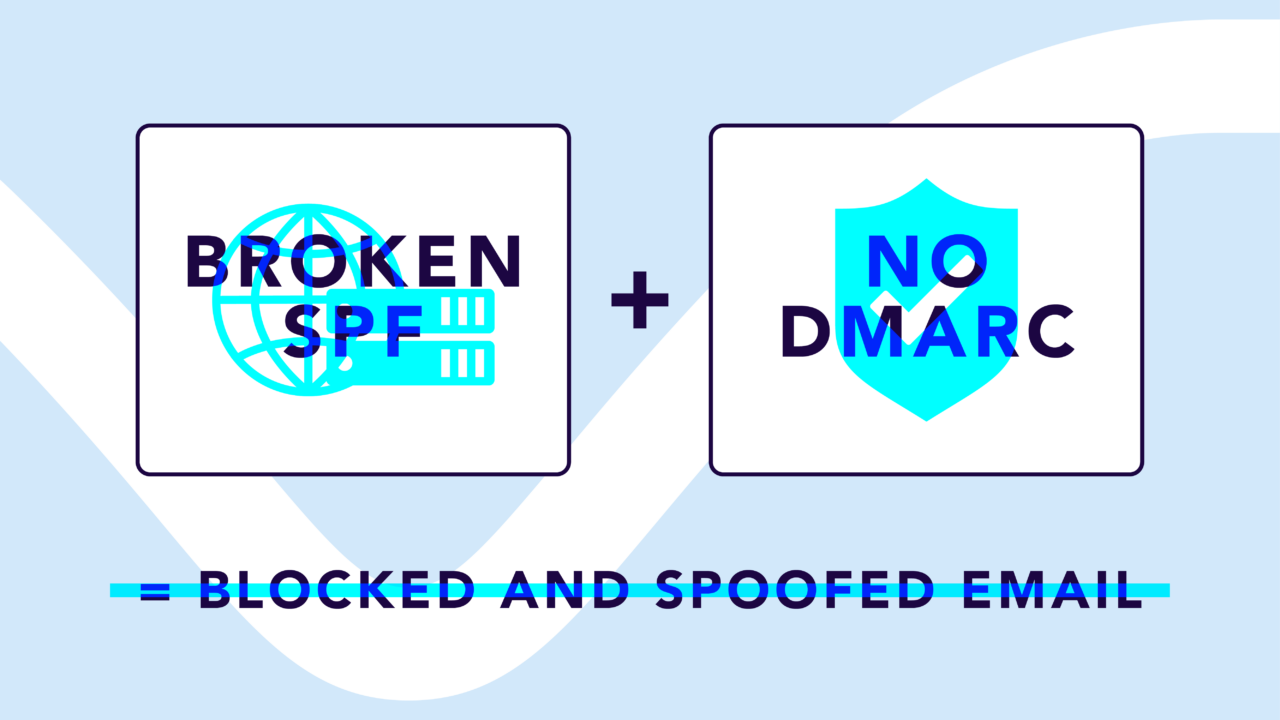
When your SPF record exceeds the 10 DNS lookup limit, and your domain isn’t enforcing DMARC, you’re exposed on both sides. Attackers can freely spoof your domain to send phishing emails, while your own legitimate email fails authentication and gets blocked or sent to spam by providers like Google, Microsoft, and Yahoo.
There are plenty of email problems that fall neatly into one category. Maybe it’s a security issue. Maybe it’s a deliverability issue. But when your SPF record is broken, and DMARC isn’t enforced, you don’t get to pick one.
You get both at the same time, working against you.
- Without DMARC enforcement, there’s nothing telling mailbox providers to block emails that impersonate your domain. Anyone can send as you, and the receiving server will let it through.
- Meanwhile, your SPF record has exceeded the 10 DNS lookup limit, which means your own legitimate email is failing authentication checks that it should be passing with no issues.
The result is completely backwards: bad actors impersonating your domain get delivered, and your actual business email gets flagged, junked, or rejected outright.
This isn’t a scenario that fixes itself over time. It’s a compounding problem that erodes your sender reputation, your brand trust, and your team’s ability to communicate reliably. And the longer it goes unaddressed, the harder it is to dig out of.
Below, we’ll break down how these two issues feed off each other, what major mailbox providers expect from your domain right now, and how to fix both problems without disrupting the email your organization depends on.
What happens when SPF exceeds the 10 DNS lookup limit
Sender Policy Framework (SPF) is an authentication protocol that tells mailbox providers which servers are authorized to send email on behalf of your domain. It does this through a DNS record that lists your approved senders using mechanisms like include:, a, mx, and redirect.
Each one of those mechanisms triggers a DNS lookup, and the protocol caps the total at 10.
Exceed that number, and the SPF check doesn’t partially pass or fail gracefully. It returns a “permerror,” a permanent error that tells the receiving server the validation couldn’t be completed. At that point, every email sent from your domain is treated as unauthenticated, regardless of whether the sender is legitimate.
For major mailbox providers like Google, Microsoft, and Yahoo, an SPF permerror is a red flag. These providers factor SPF results directly into their filtering decisions, and a permanent failure gives them every reason to send your email to the junk folder or block it entirely.
Some emails might still reach the inbox if they pass DKIM alignment independently. Others won’t. Your deliverability essentially becomes a coin flip, and that’s not a position any IT or security team wants to be in when the business depends on email for everything from customer communications to internal workflows.
What happens when DMARC isn’t enforced
Domain-based Message Authentication, Reporting, and Conformance (DMARC) is the protocol that ties SPF and DKIM together and tells mailbox providers what to do when an email fails authentication.
DMARC only protects your domain when your policy actually instructs mailbox providers to take action.
A DMARC policy of p=none is a monitoring-only setting. It collects data about who’s sending email as your domain and whether those messages are passing or failing authentication. That’s useful for building visibility, but it doesn’t block anything. Mailbox providers will still deliver emails that fail SPF and DKIM checks because your policy hasn’t told them to do otherwise.
In practical terms, that means anyone can send an email pretending to be your domain, and it will arrive in your recipients’ inboxes. Phishing emails impersonating your brand reach your customers, partners, and employees with nothing standing in the way. Your domain reputation takes a hit with every fraudulent message that gets reported as spam.
And unless your team is actively reviewing DMARC aggregate reports, you may not even realize the abuse is happening.
A DMARC policy of p=quarantine or p=reject is what actually provides protection. Quarantine routes unauthenticated messages to spam. Reject blocks them outright.
How broken SPF + non-enforced DMARC make each other worse
Individually, a broken SPF record and a non-enforced DMARC policy are both serious issues. Together, they create a feedback loop that accelerates damage on every front:
- Attackers can spoof your domain freely. Without DMARC enforcement, mailbox providers have no instructions to block unauthorized email. Phishing messages that impersonate your brand get delivered as though they’re legitimate.
- Your legitimate email fails SPF. Because your SPF record exceeds the lookup limit, the check returns a permerror. Emails from your real sending services are treated as unauthenticated.
- Mailbox providers lose trust in your domain. They see a domain that’s failing its own authentication checks and has no enforcement policy in place. That’s a signal that the domain isn’t well managed, and it tanks your sender reputation.
- Reputation damage makes everything worse. As your sender reputation drops, even emails that pass DKIM alignment may start getting filtered more aggressively. Mailbox providers apply stricter scrutiny to domains with poor reputations, regardless of individual message authentication.
- Spoofing erodes trust with your recipients. Every phishing email that impersonates your brand makes your customers and partners less likely to trust the real messages you’re sending, assuming those messages even arrive.
The longer this combination goes unaddressed, the harder recovery becomes. Sender reputation doesn’t bounce back overnight, and the window for attackers to exploit your unprotected domain stays wide open until enforcement is in place.
How to tell if your domain is in this situation
You might already suspect there’s a problem if deliverability has been inconsistent or if you’ve seen reports of phishing emails impersonating your domain. But suspicion isn’t the same as visibility, and you need actual data to know where things stand.
The fastest way to check is Valimail’s free Domain Checker. Enter your domain and you’ll get an instant breakdown of your SPF lookup count, your current DMARC policy, and your overall authentication status. It takes less than 10 seconds and tells you exactly what’s working and what isn’t.
Check your
domain now
Enter your domain to see if it’s vulnerable to spoofing or if others are sending emails on your behalf. Instantly check your DMARC, SPF, and BIMI status with a detailed security report.
You’re not fully protected, learn more here.
Check your
domain now
Enter your domain to see if it’s vulnerable to spoofing or if others are sending emails on your behalf. Instantly check your DMARC, SPF, and BIMI status with a detailed security report.
You’re not fully protected, learn more here.
Check your
domain now
Enter your domain to see if it’s vulnerable to spoofing or if others are sending emails on your behalf. Instantly check your DMARC, SPF, and BIMI status with a detailed security report.
You’re not fully protected, learn more here.
Your Domain
Not protected AGAINST IMPERSONATION ATTACKS
DMARC NOT AT ENFORCEMENT
exampledomain1.com
Authentication Status for January 10, 2025
DMARC at Enforcement
SPF Record Configured
BIMI Ready
exampledomain1.com
Authentication Status for January 10, 2025
DMARC at Enforcement
SPF Record Configured
BIMI Ready
For ongoing monitoring, Valimail Monitor (also free) gives you a full view of every service sending email on your behalf and whether those services are passing or failing SPF, DKIM, and DMARC. It translates raw DMARC report data into a clean dashboard so you can spot issues before they turn into support tickets.
How to fix both problems (without breaking anything)
The good news is that neither a broken SPF record nor a non-enforced DMARC policy requires a rip-and-replace overhaul. The fix is a progression: visibility first, then cleanup, then enforcement, then automation.
- Get visibility into your current state. Sign up for Valimail Monitor to see exactly which services are sending as your domain and where authentication is passing or failing. You can’t fix what you can’t see, and Monitor gives you the full picture for free.
- Clean up your SPF record. Audit every include: mechanism in your record. Remove entries for services you no longer use. Consolidate where possible, and consider routing third-party senders through dedicated subdomains (like marketing.yourdomain.com) to distribute lookups across separate SPF records.
- Move toward DMARC enforcement gradually. Start at p=none to gather data and confirm that all your legitimate senders are passing authentication. Once you’re confident nothing legitimate will get caught in the crossfire, move to p=quarantine. Then, when you’re ready for full protection, move to p=reject. This staged approach protects your domain without the risk of accidentally blocking your own email.
- Eliminate the SPF limit entirely. Valimail’s patented Instant SPF® technology bypasses the 10 DNS lookup limit, giving your domain unlimited lookups without the fragility of SPF flattening or the overhead of constant manual DNS maintenance. It also keeps your SPF record private, so competitors and bad actors can’t map out your sending infrastructure.
- Automate ongoing enforcement. Valimail Enforce handles SPF, DKIM, and DMARC management on an ongoing basis so your team isn’t stuck watching DNS records or chasing down authentication failures manually. It identifies sending services by name (not just by IP), lets you authorize legitimate senders with a single click, and maintains continuous enforcement as your tech stack evolves.
This isn’t a project that takes months. Valimail Enforce customers typically reach DMARC enforcement in 45 days or less, which is four times faster than the industry average.
Fix your SPF record and enforce DMARC before it costs you
A broken SPF record and a non-enforced DMARC policy is the worst combination for your domain. Attackers get to impersonate your brand while your real email gets blocked, and every day both problems go unaddressed, your sender reputation takes another hit.
The fix starts with visibility. Use Valimail’s free Domain Checker to see where your domain stands right now, then sign up for Monitor to get ongoing insight into your entire email ecosystem.
And if you’re ready to eliminate the SPF limit and reach DMARC enforcement without the manual overhead, get a demo of Valimail Enforce and see how fast the problem goes away.
Frequently asked questions
What happens if my SPF record is broken and DMARC isn’t enforced?
Your legitimate email fails SPF authentication and may be blocked or sent to spam, while attackers can freely impersonate your domain because there’s no DMARC policy instructing mailbox providers to reject unauthorized messages. It’s the worst combination for both security and deliverability.
Can attackers really spoof my domain without DMARC enforcement?
Yes. Without a DMARC policy set to p=quarantine or p=reject, mailbox providers have no instructions to block email that fails authentication. Anyone can forge the “From” address to make an email look like it came from your domain.
Will fixing my SPF record alone solve the problem?
It’ll fix the deliverability side, but not the security side. A valid SPF record guarantees your legitimate email passes authentication, but without DMARC enforcement, your domain is still vulnerable to spoofing and impersonation.
How long does it take to move from p=none to p=reject?
It depends on the complexity of your email ecosystem, but Valimail Enforce customers typically reach full enforcement (p=reject) within 45 days. The key is having visibility into all your sending services so you can authorize them before tightening your policy.
How does Valimail help fix both SPF and DMARC issues?
Valimail’s patented Instant SPF® technology eliminates the 10 DNS lookup limit, and Valimail Enforce automates the entire journey to DMARC enforcement. Together, they make sure your legitimate email always passes authentication while blocking anyone trying to impersonate your domain.