
BETA TOOLING 🧪
Free DKIM checker tool
Check your DKIM record and validate your email authentication in seconds.
DKIM (DomainKeys Identified Mail) adds a digital signature to your outgoing emails, proving they actually came from you and weren’t tampered with along the way. When DKIM is configured correctly, mailbox providers trust your messages. When it’s not, your emails can get flagged, filtered, or rejected outright.
Unfortunately, DKIM issues are easy to miss and hard to diagnose manually. A missing selector, mismatched key, or simple syntax error can tank your deliverability without any obvious warning signs.
That’s where a DKIM checker can help. Enter your domain and selector above to instantly validate your DKIM record, spot configuration errors, and confirm your emails are properly authenticated.

Manage your DKIM for free
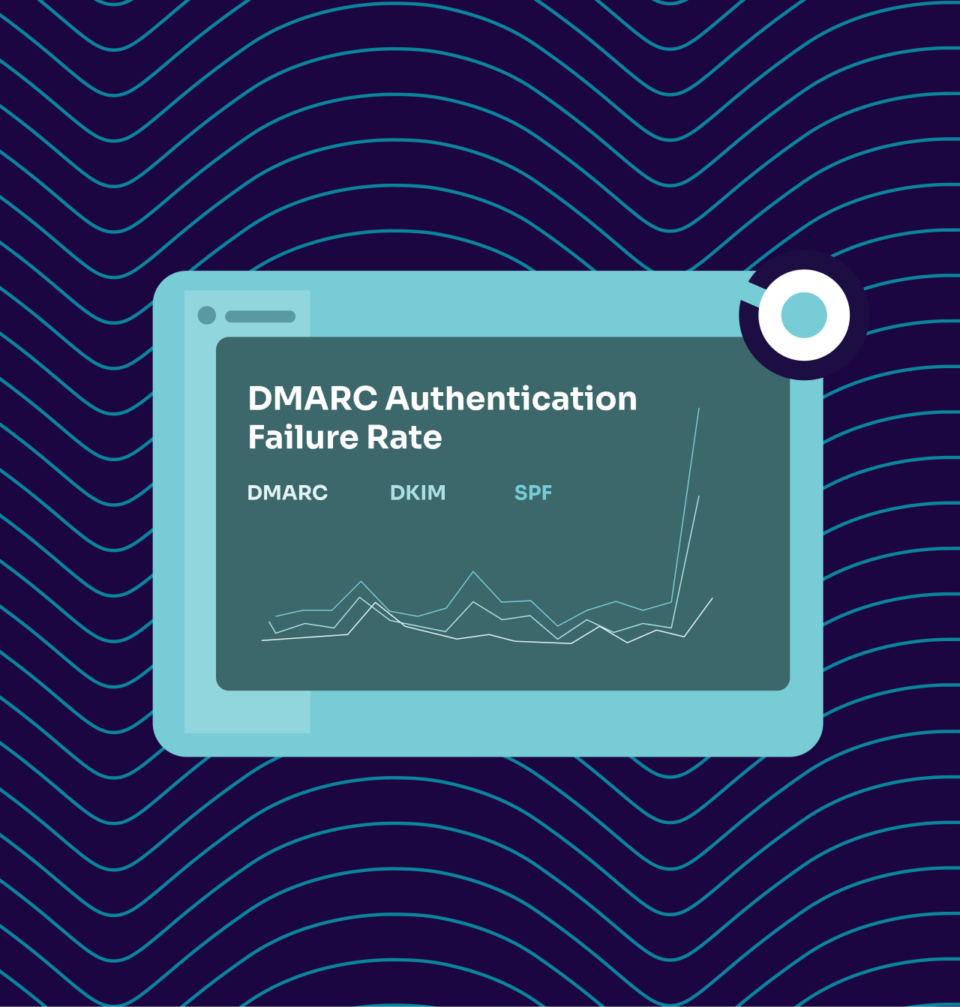
Checking your DKIM record is an important first step.
To truly defend your brand, you need visibility into who’s sending on your behalf and whether they’re authorized to do so.
With Valimail Monitor, you’ll get actionable insights into your domain’s sending services, so you can spot abuse, close gaps, and prepare for DMARC enforcement with confidence.
Check your
domain now
Enter your domain to see if it’s vulnerable to spoofing or if others are sending emails on your behalf. Instantly check your DMARC, SPF, and BIMI status with a detailed security report.
You’re not fully protected, learn more here.
Check your
domain now
Enter your domain to see if it’s vulnerable to spoofing or if others are sending emails on your behalf. Instantly check your DMARC, SPF, and BIMI status with a detailed security report.
You’re not fully protected, learn more here.
Check your
domain now
Enter your domain to see if it’s vulnerable to spoofing or if others are sending emails on your behalf. Instantly check your DMARC, SPF, and BIMI status with a detailed security report.
You’re not fully protected, learn more here.
Your Domain
Not protected AGAINST IMPERSONATION ATTACKS
DMARC NOT AT ENFORCEMENT
exampledomain1.com
Authentication Status for January 10, 2025
DMARC at Enforcement
SPF Record Configured
BIMI Ready
exampledomain1.com
Authentication Status for January 10, 2025
DMARC at Enforcement
SPF Record Configured
BIMI Ready
Learn more about managing your DKIM
DKIM is a critical part of email authentication, and even small configuration errors can lead to delivery issues or failed authentication. Problems like missing selectors, malformed records, or key mismatches are common and hard to spot manually. These resources will help you understand how DKIM works, validate your setup, and troubleshoot issues quickly.

Frequently asked questions about our DKIM checker
What is a DKIM record?
A DKIM record is a TXT entry published in your domain’s DNS that contains your public key and selector information. When you send an email, your mail server attaches a digital signature using a private key. The receiving server then looks up your DKIM record, retrieves the public key, and uses it to verify that the signature is valid.
If everything matches, the email passes DKIM authentication. If the record is missing, misconfigured, or the keys don’t match, authentication fails.
What is a DKIM record checker?
A DKIM record checker is a diagnostic tool that queries your DNS to verify your DKIM configuration. It looks up the DKIM TXT record associated with your domain and selector, then validates the public key and checks for errors.
When someone receives an email from your domain, their mail server uses your published DKIM public key to verify the signature attached to the message. If the signature matches, the email passes authentication. If it doesn’t (or if the record is missing), authentication fails.
A DKIM checker lets you test this process before problems show up in your deliverability metrics or DMARC reports.
How does DKIM work?
DKIM works by adding a cryptographic signature to the header of every outgoing email. Here’s the basic flow:
- Your mail server signs outgoing messages using a private key that only you control.
- The receiving mail server sees the signature, queries your DNS to find the corresponding public key, and checks whether the signature is valid.
If the signature matches the public key, the recipient knows two things: the email genuinely came from your domain, and the message content wasn’t altered in transit.
What is a DKIM selector?
A DKIM selector is a unique identifier that tells receiving mail servers where to find your DKIM public key in DNS. Since a single domain can have multiple DKIM keys (for different email services or rotation purposes), the selector acts as a label to distinguish between them. You’ll find the selector in the DKIM-Signature header of your outgoing emails, and it’s required for any DKIM lookup.
If you don’t know your selector, our DKIM checker can auto-detect it for you.
How do I find my DKIM selector?
The easiest way is to look at the header of an email sent from your domain. Open the message, view the full headers (the process varies by email client), and search for “DKIM-Signature.” Within that header, you’ll see a field labeled “s=” followed by your selector value. You can also check with your email service provider, as they typically provide selector information during DKIM setup.
If you’re still stuck, our DKIM checker can auto-detect selectors for common configurations.
How do I check my DKIM record?
Using the DKIM checker is easy:
- Enter your domain name (without https:// or www)
- Add your DKIM selector, or let our tool auto-detect it
- Click “Check DKIM” to run the lookup
Within seconds, you’ll get a detailed report showing whether your DKIM record exists, if the syntax is correct, and whether your public key is valid. If something’s off, you’ll know exactly what needs fixing.
Our tool queries your DNS, retrieves your DKIM record, and validates everything from syntax to public key formatting. You’ll get a clear report showing whether your record exists, if it’s configured correctly, and what needs fixing if something’s off. No sign-up or account required.
What does Valimail's DKIM checker show me?
Our DKIM lookup tool gives you fast, accurate results without the hassle:
- Instant DKIM lookup: Enter your domain and get results in seconds, no account required.
- Selector auto-detection: Don’t know your selector? Our tool can find it for you automatically.
- Public key validation: Confirms your DKIM public key is correctly formatted and published.
- Syntax error detection: Flags missing tags, formatting issues, and other common DKIM mistakes.
- Clear, actionable results: No cryptic error codes. You’ll know what’s working and what’s not.
- Works with any domain: Check your own domains or run a DKIM test on any third-party sender.
Why is my DKIM check failing?
DKIM failures typically come down to a few common issues. The record might be missing from your DNS entirely, or the selector in your email headers doesn’t match what’s published. Syntax errors (like missing tags or incorrect formatting) can also cause failures. Another culprit is a mismatch between your public and private keys, which happens when keys are rotated incorrectly or when records aren’t updated properly.
Our DKIM checker identifies the specific problem, so you’re not guessing.
What's the difference between DKIM, SPF, and DMARC?
Each protocol handles a different piece of email authentication:
- SPF (Sender Policy Framework) specifies which servers are allowed to send email on behalf of your domain.
- DKIM (DomainKeys Identified Mail) adds a digital signature to verify that messages weren’t tampered with and actually came from you.
- DMARC (Domain-based Message Authentication, Reporting, and Conformance) ties SPF and DKIM together, telling mailbox providers what to do when authentication fails and giving you visibility through aggregate reports.
You need all three working together for full protection.
Do I need DKIM if I already have SPF?
Yes. SPF and DKIM protect against different things. SPF verifies that an email came from an authorized server, but it doesn’t prevent message tampering. DKIM confirms the message content hasn’t been altered and cryptographically ties the email to your domain.
DMARC requires either SPF or DKIM to pass and align with your domain. Having both configured gives you stronger authentication, better deliverability, and a higher chance of passing DMARC checks.
How often should I check my DKIM record?
At a minimum, check your DKIM record after any DNS changes, when onboarding new email sending services, or when rotating keys. If you notice deliverability issues or see DKIM failures in your DMARC reports, run a check immediately. For ongoing visibility, pair periodic DKIM checks with DMARC monitoring so you catch problems before they affect your sender reputation.
What is Valimail’s DKIM Continuous Protection Report?
Valimail’s DKIM Continuous Protection is an automated DMARC enforcement solution that keeps your domain protected without the manual effort typically required to maintain email authentication. Instead of simply showing you DMARC reports, Continuous Protection automatically identifies all legitimate email senders using your domain, configures authentication correctly, and safely moves your domain to DMARC enforcement (p=reject).
How can I check my SPF and DMARC records?
In addition to our free DKIM checker, we offer a free email domain checker that will identify your DMARC and SPF records, so you can have a full view of your email authentication posture.
Get started for free
with Monitor
Start your path to DMARC enforcement with a panoramic view of the traffic being sent on your behalf.
No trial offers, credit cards, or obligations.
Explore all Valimail
has to offer
Go one step further than visibility…Take action! Reach DMARC enforcement faster. Stay compliant with evolving sender requirements. All while protecting your brand.